Adding candidates to Block List
0 min
The block list prevents unwanted candidates from appearing in Sourcing or receiving outreach even if they’re added.
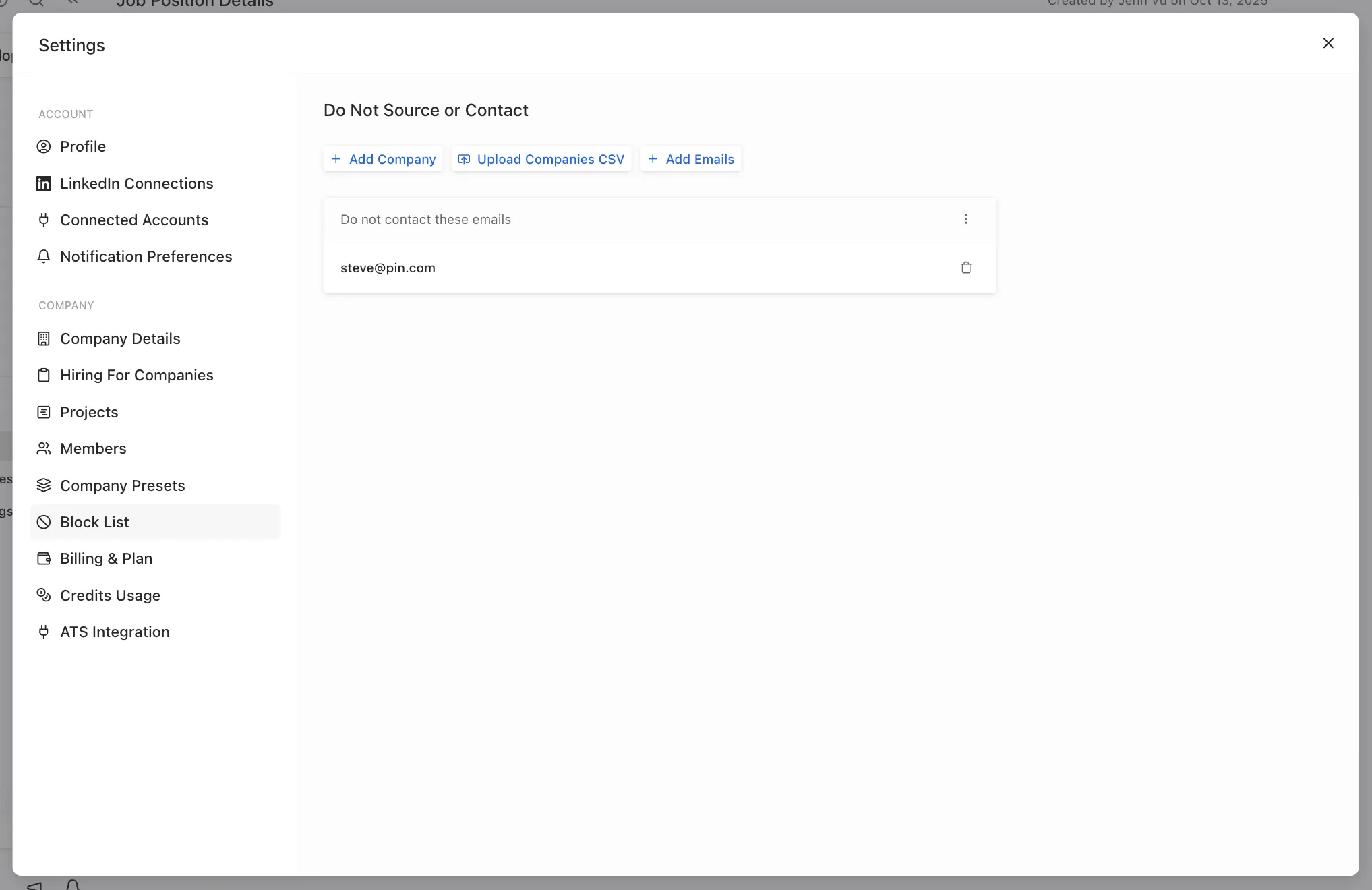
To add exclusions, go to Settings -> Block List and add people or companies by email address, company name, or company website. You can also add the list of companies via CSV import.