Archiving and unarchiving jobs
3 min
To archive a job, head over to Job Settings -> Postion Details. At the bottom right of your job description, you'll see an Archive Job Position button where you can archive a job position.
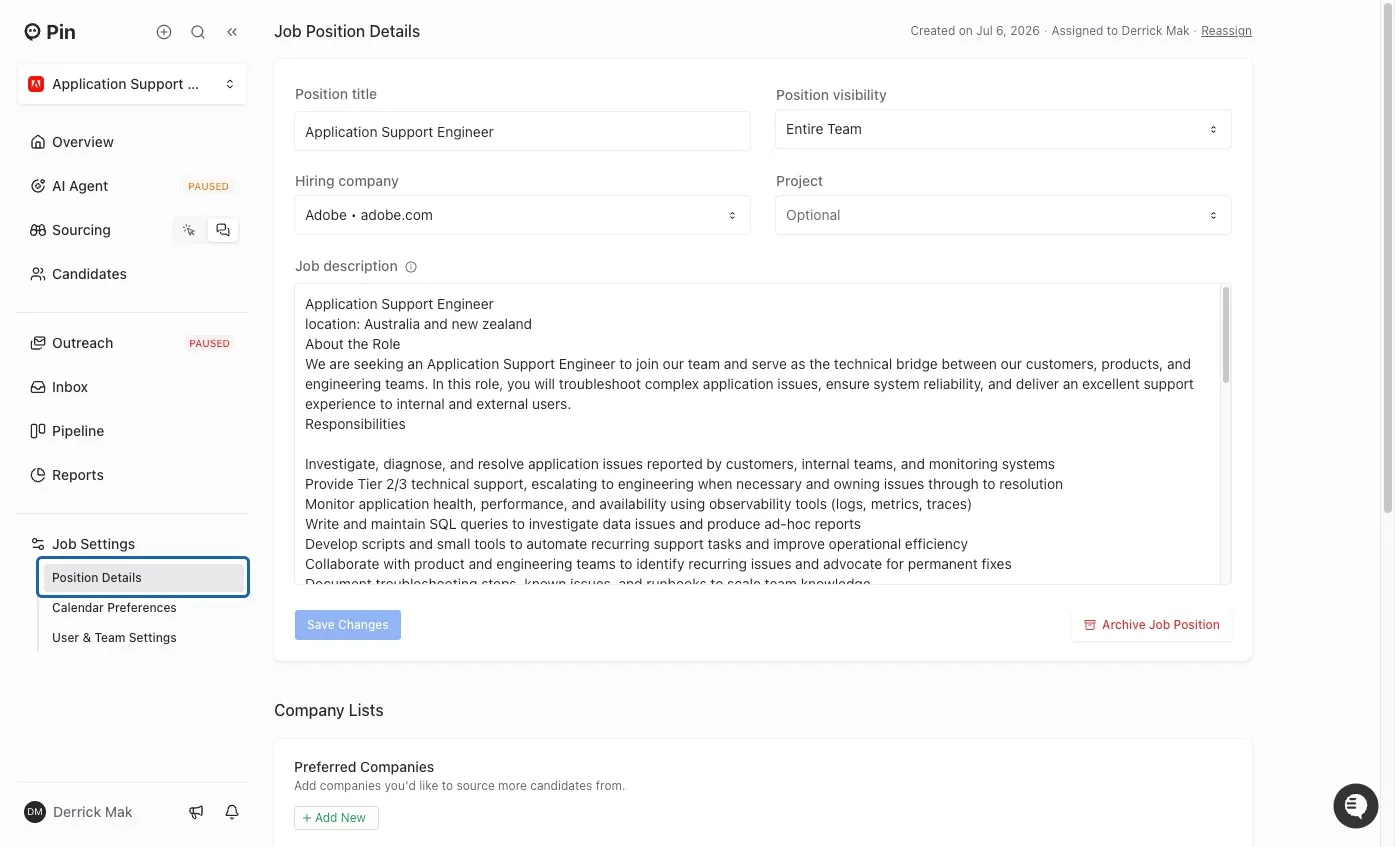
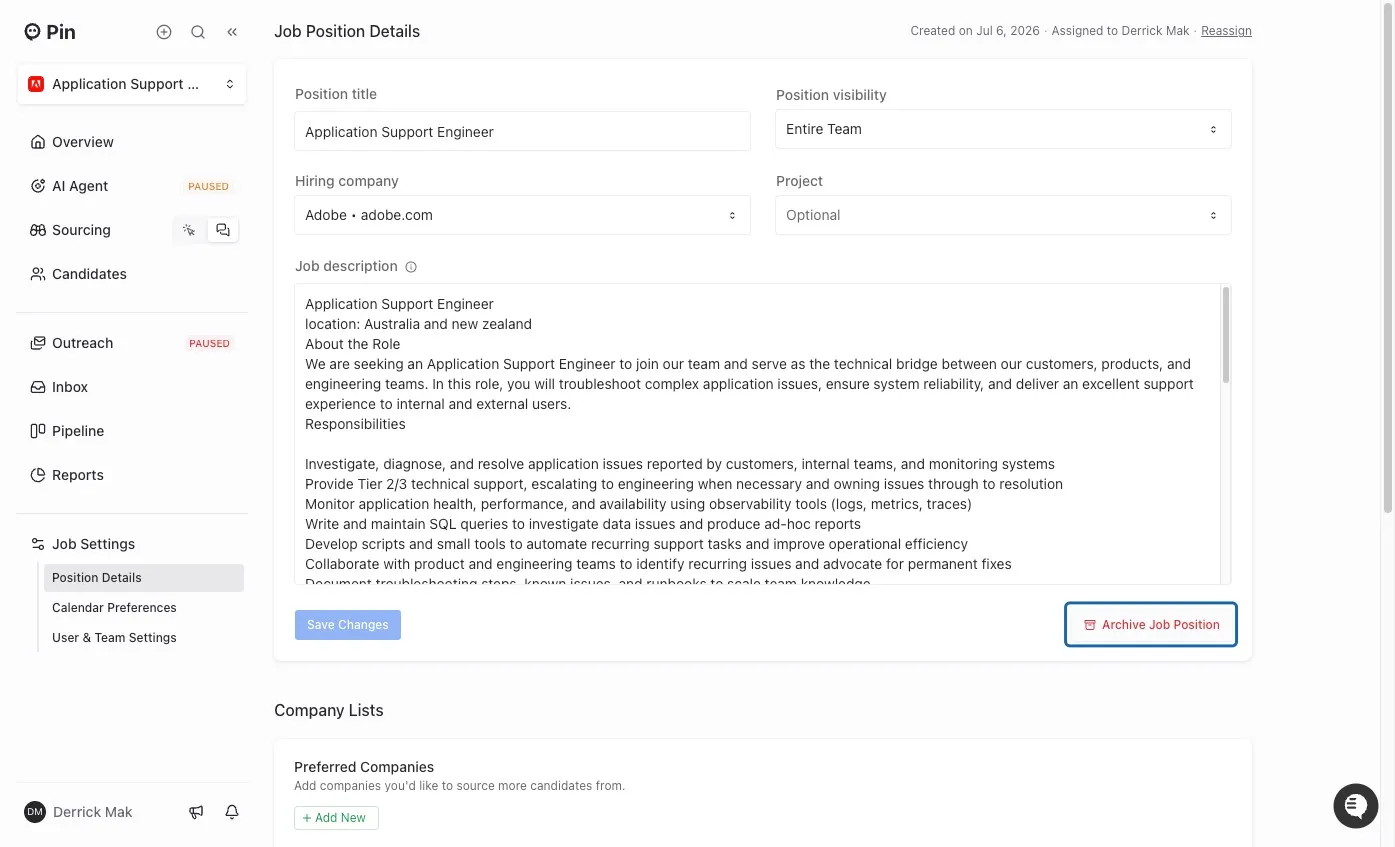
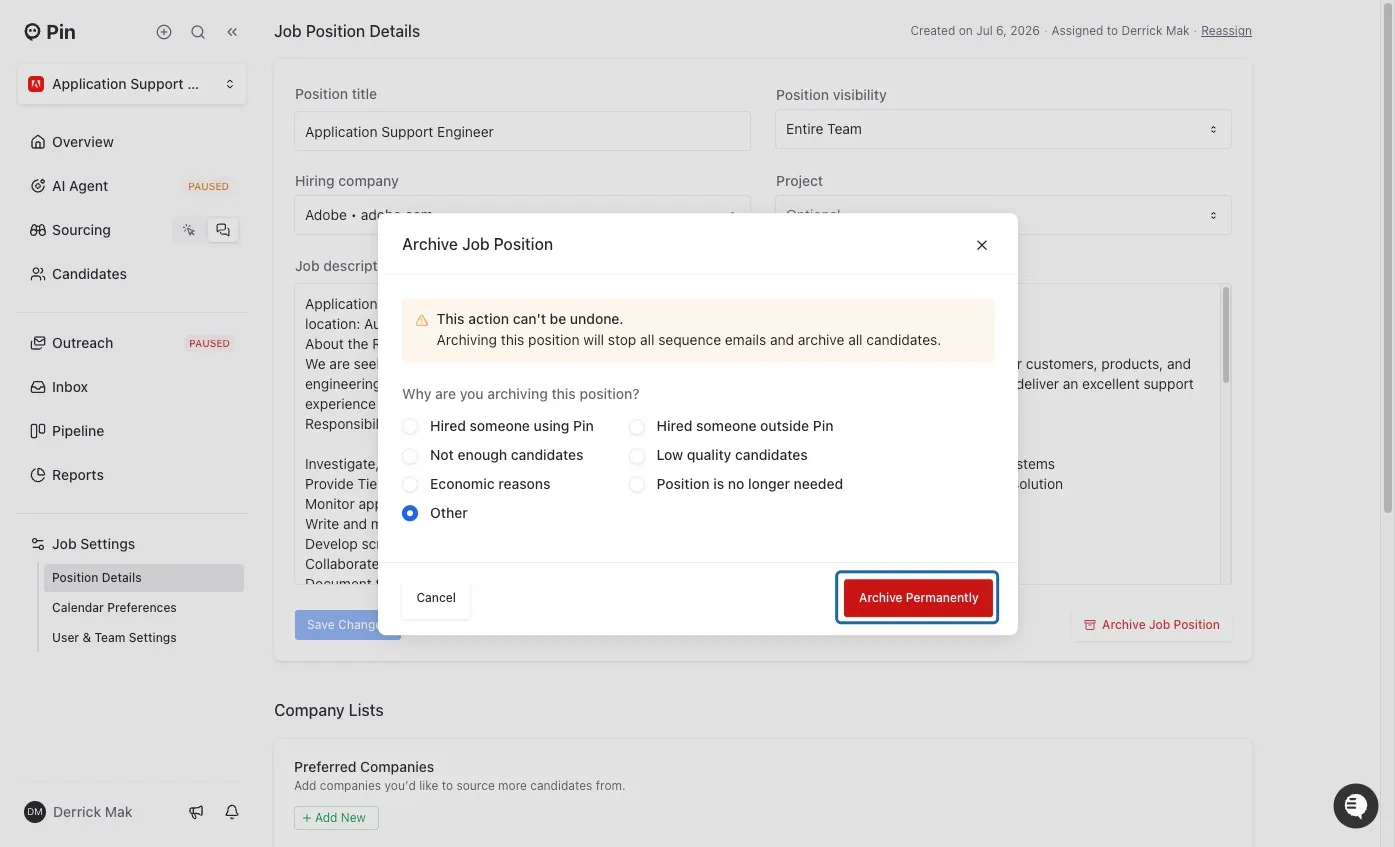
Archiving a job will also archive all candidates in that Job and deactivate any sequencing to those candidates.
Important: Once a job is archived, you cannot unarchive it and resume the sequence.
Archived jobs can be used as a reference:
- You can copy the sequence steps from an archived Job when creating a new Job/Sequence.
- You can move/copy Candidates from your archived Job to new jobs either by looking at your All Candidates or in your Outreach section of the Job.
What can I do with an archived job?
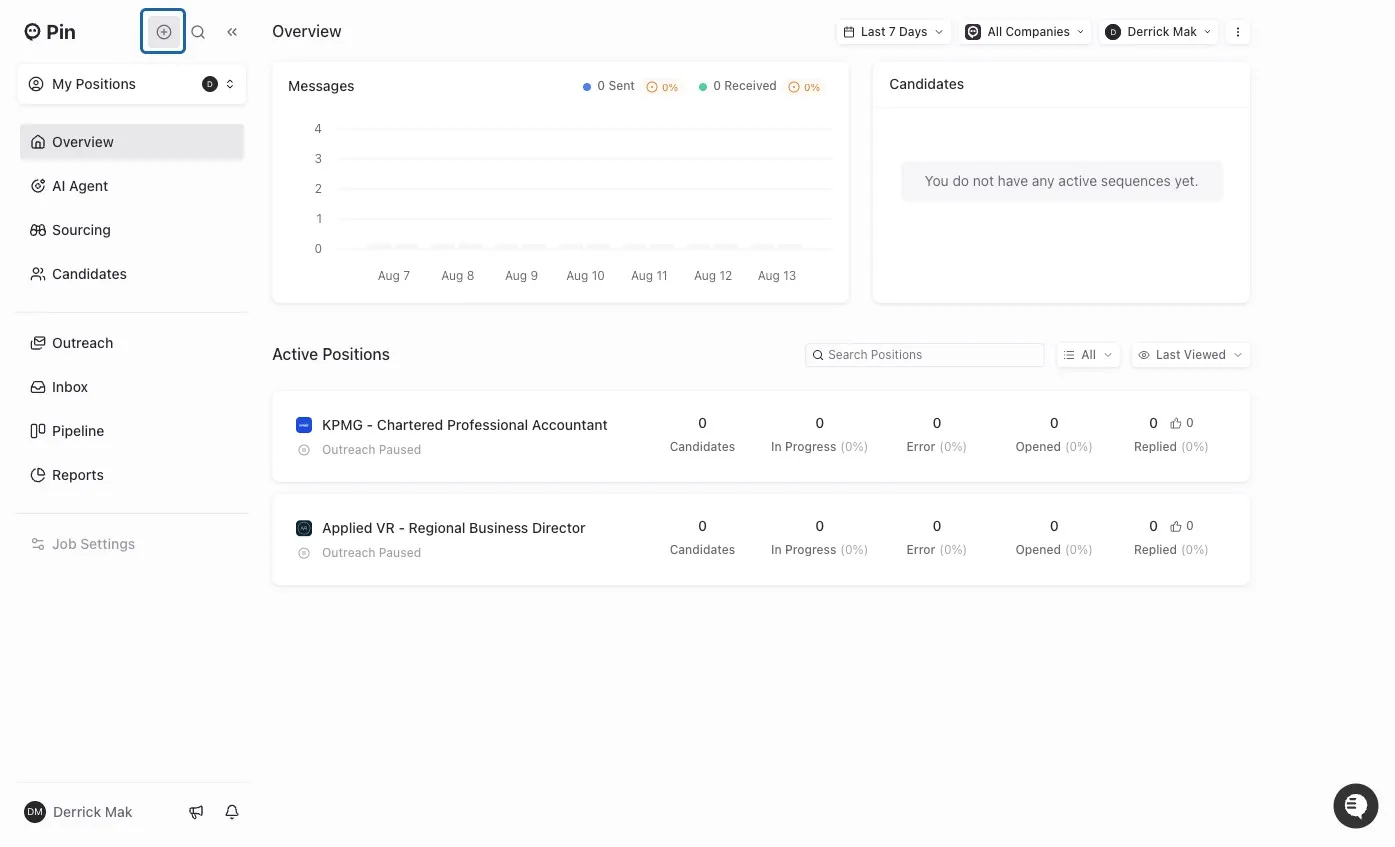
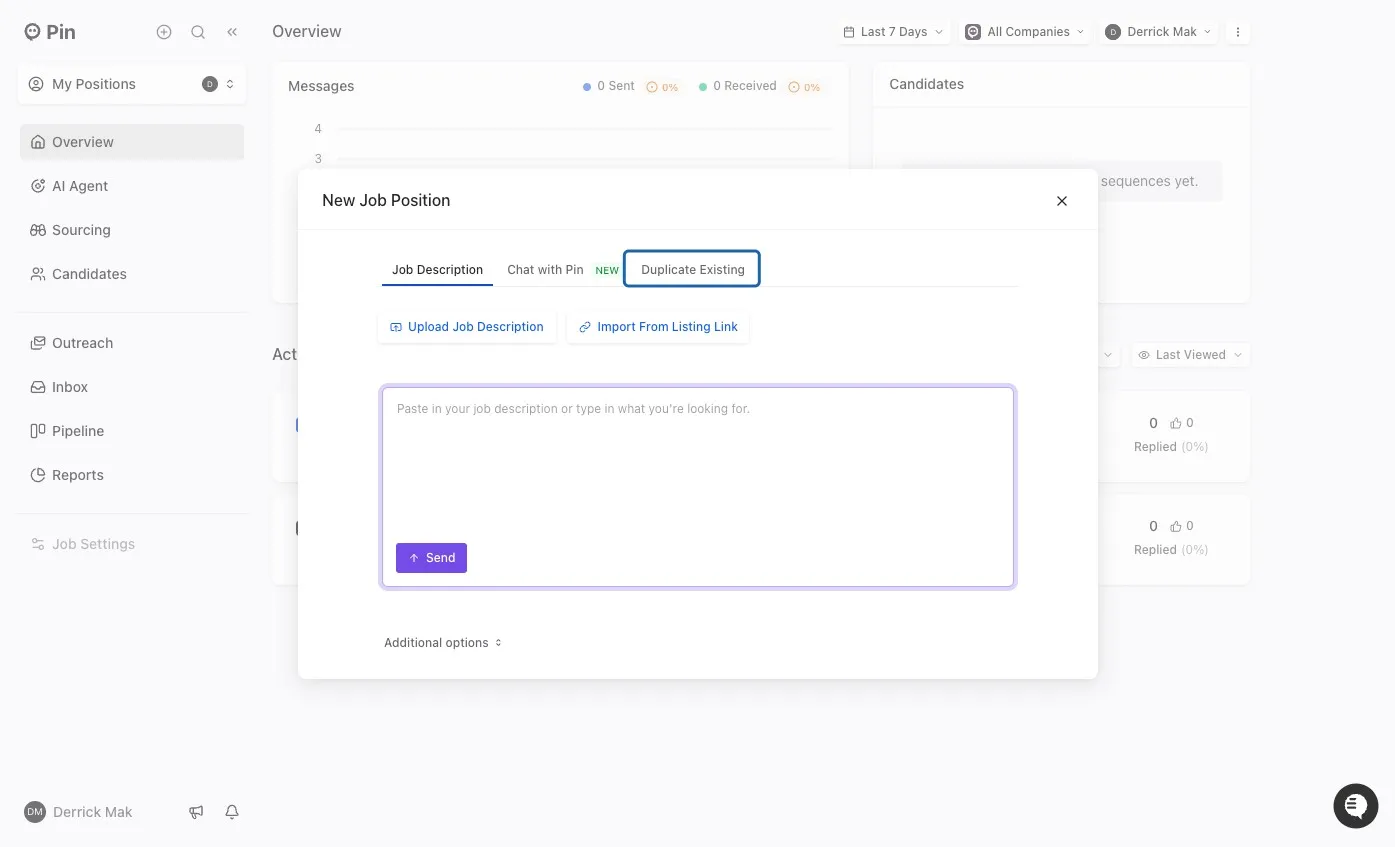
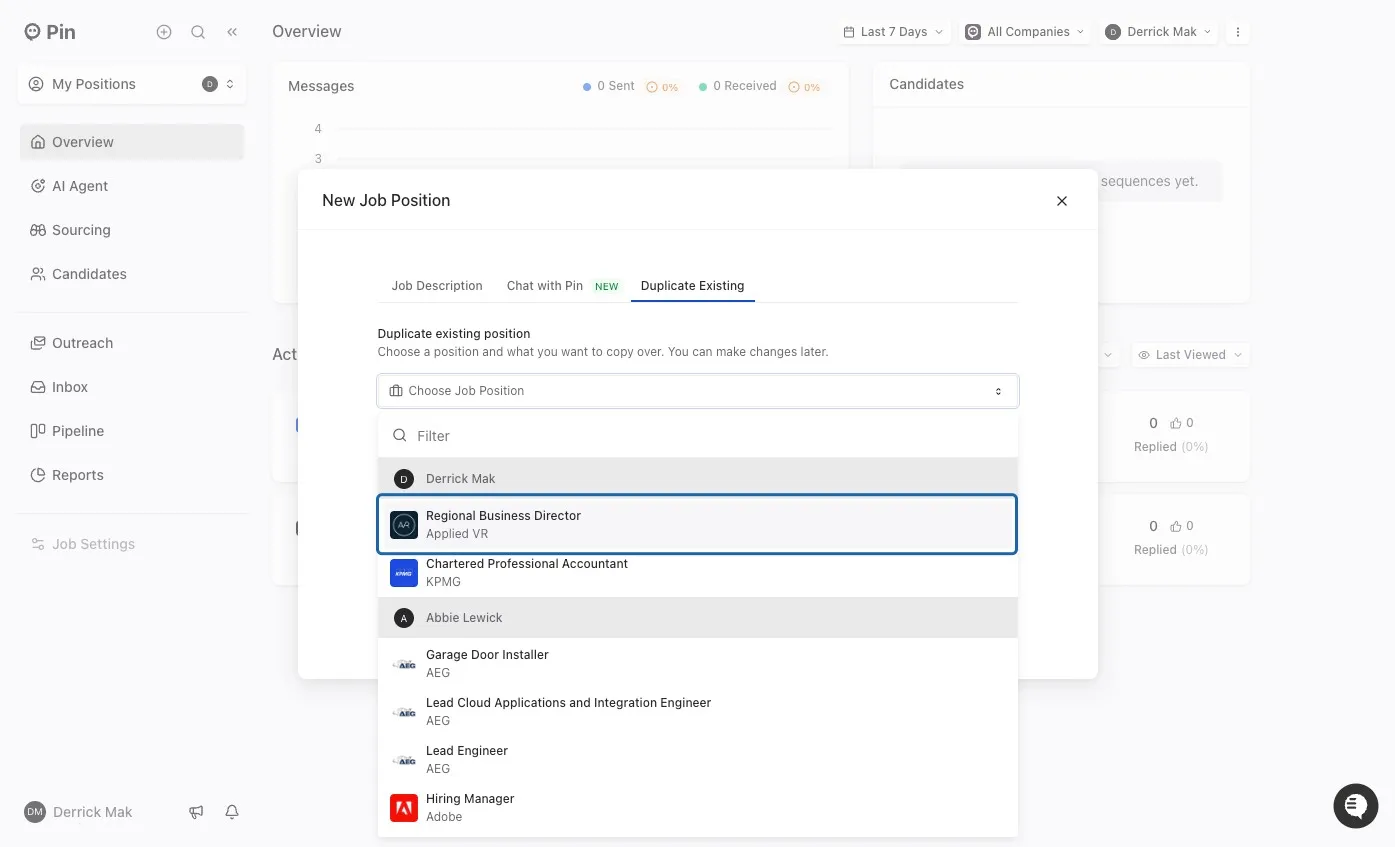
While you cannot unarchive a job right now, you can still choose to duplicate it when creating a new job.