Calendar preferences
1 min
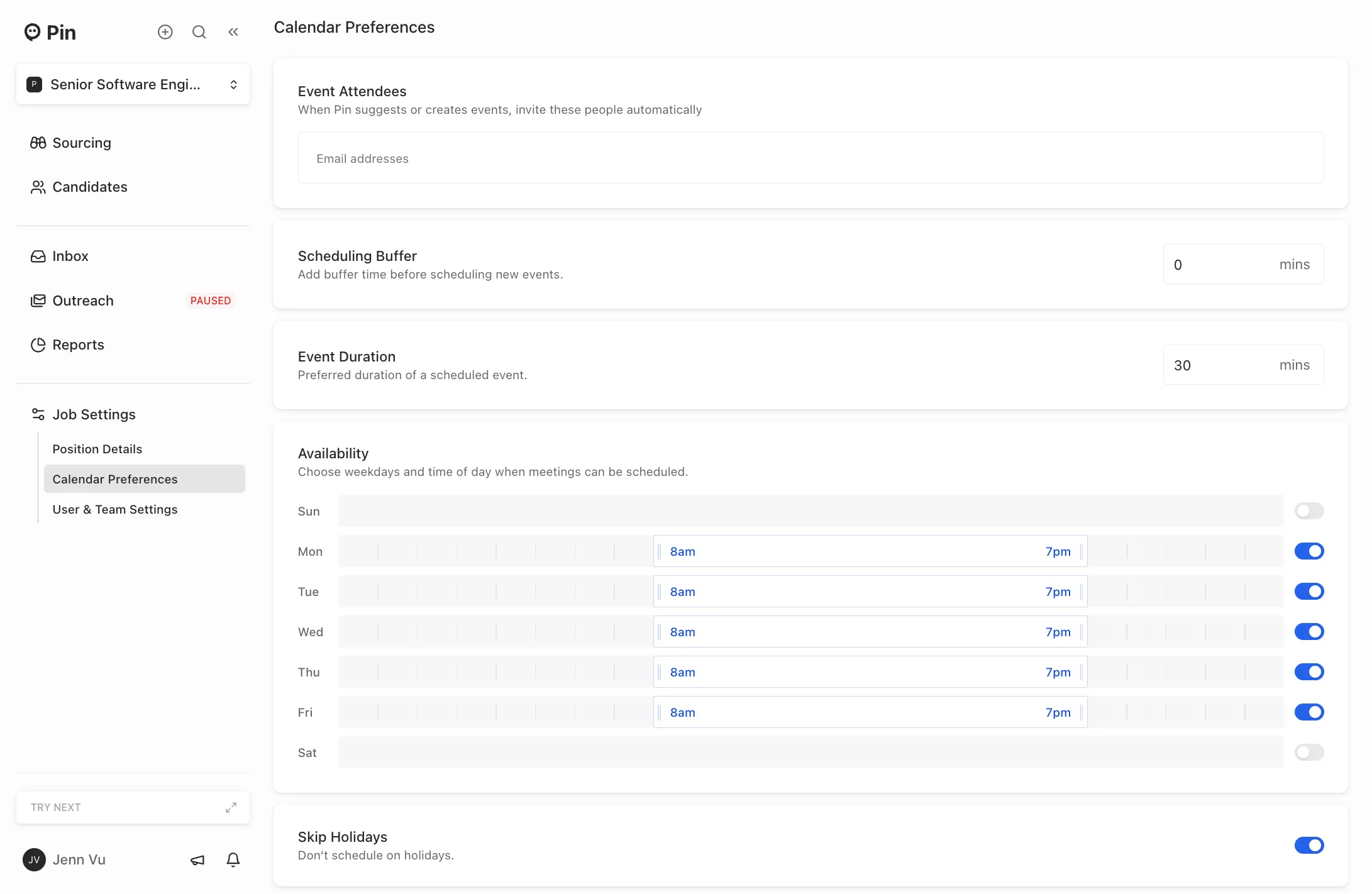
You can set up your calendar preferences to let Pin know which days and times meetings can be scheduled. This can be adjusted in Job Settings -> Calendar Preferences.
Here’s what you can customize:
- Event attendees – Automatically invite specific people/emails to events Pin suggests or creates
- Scheduling Buffer – Add a set buffer time before scheduling new events
- Event Duration – Set the preferred duration for scheduled events
- Availability – Define the days and times when meetings can be scheduled
- Skip Holidays – Exclude holidays from your meeting availability
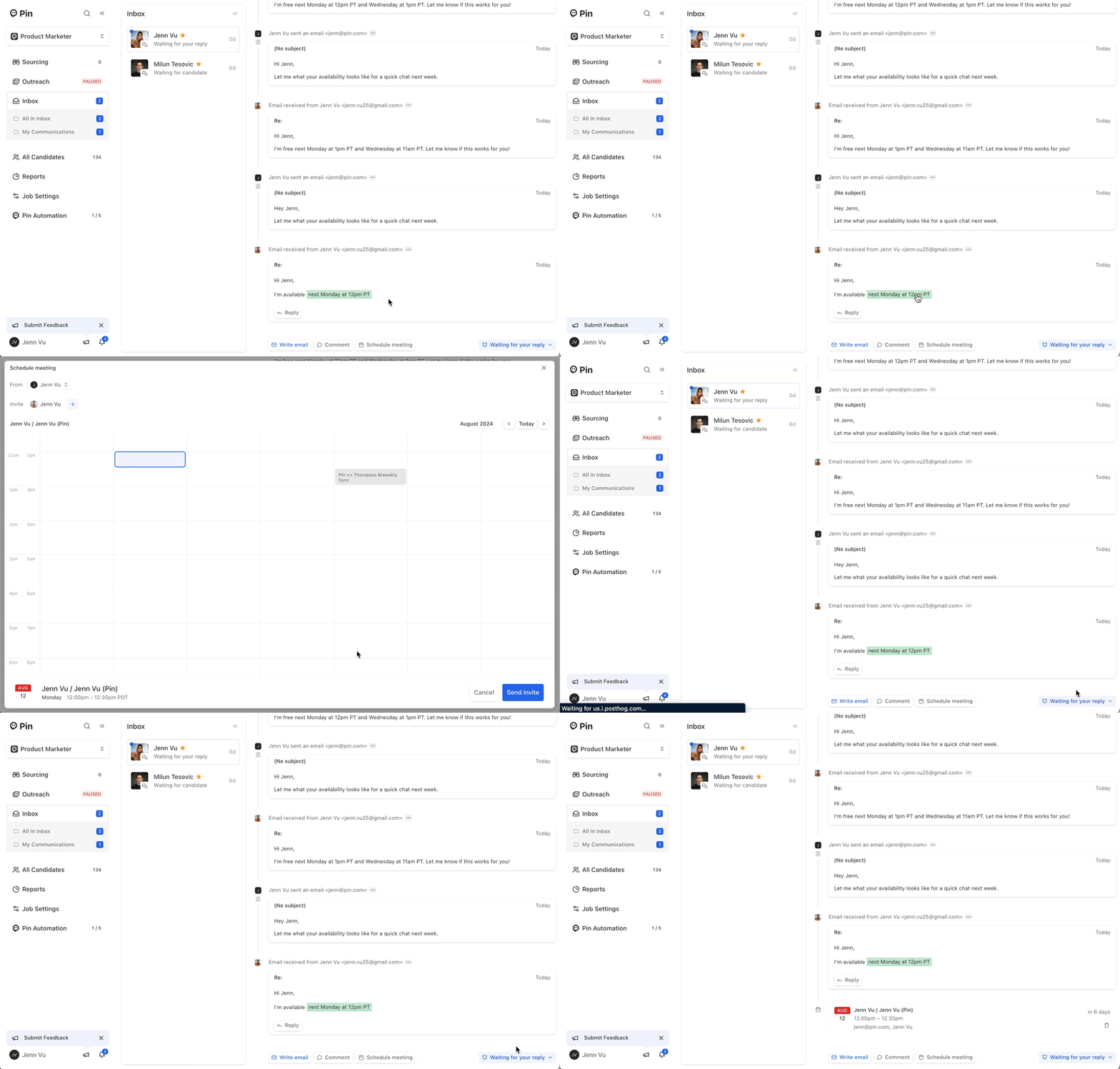
How the "Auto-schedule meetings" feature works
If you or a candidate suggests a specific time and day to meet, Pin will check your calendar preferences first to see what your availability is for finding a time. Pin will then automatically reply to the candidate with the date and time and send a calendar invite if there's an available time.