Create company presets
4 min
Company presets let you save a list of companies so you can quickly reuse them in multiple searches.
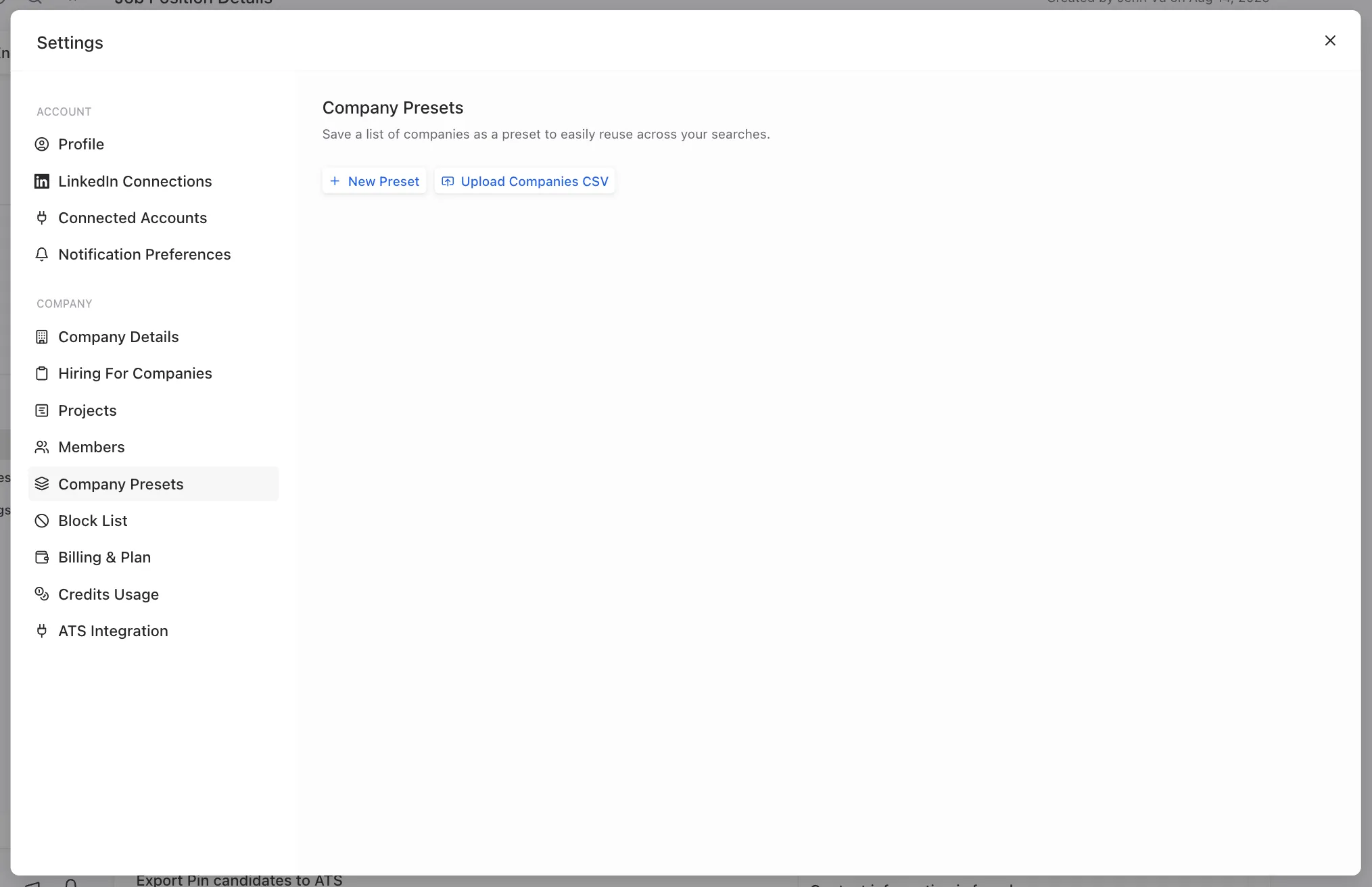
Add companies in Company Presets
In Settings, you can add companies manually or upload them in a CSV file to create a company preset. When uploading a CSV, be sure to include a column for the company’s LinkedIn URL, website, or domain. You can download a sample CSV file here.
Edit company presets
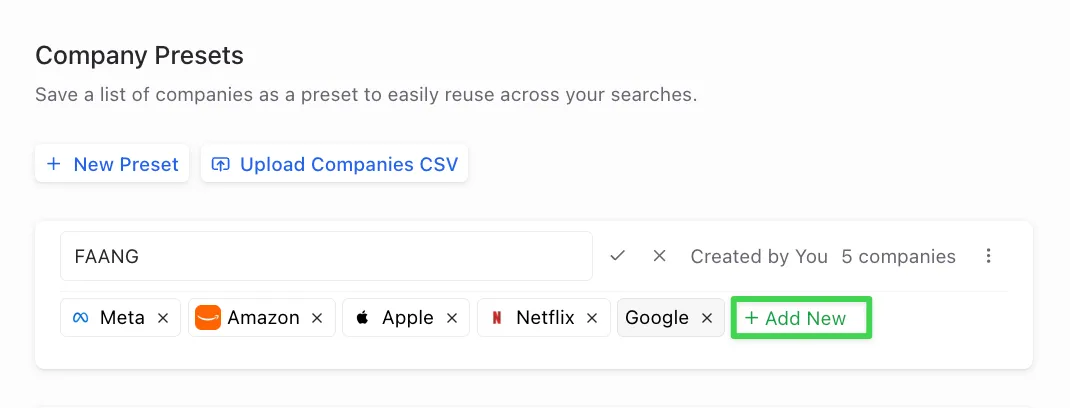
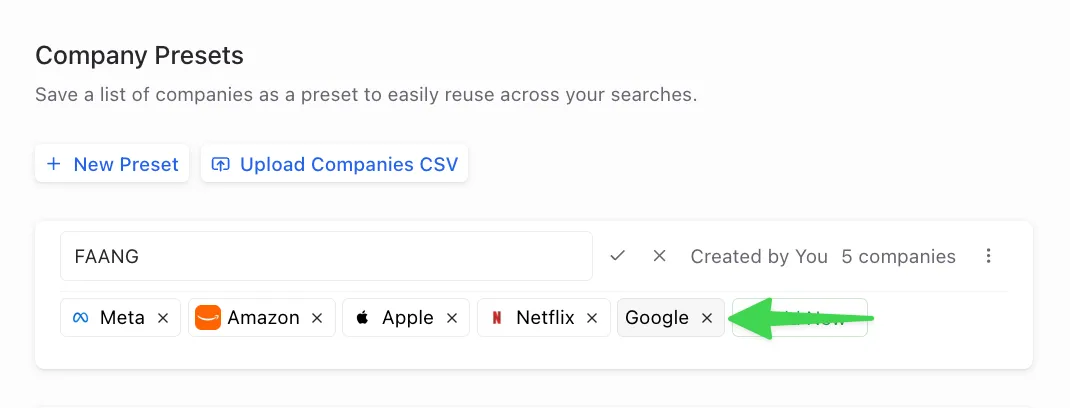
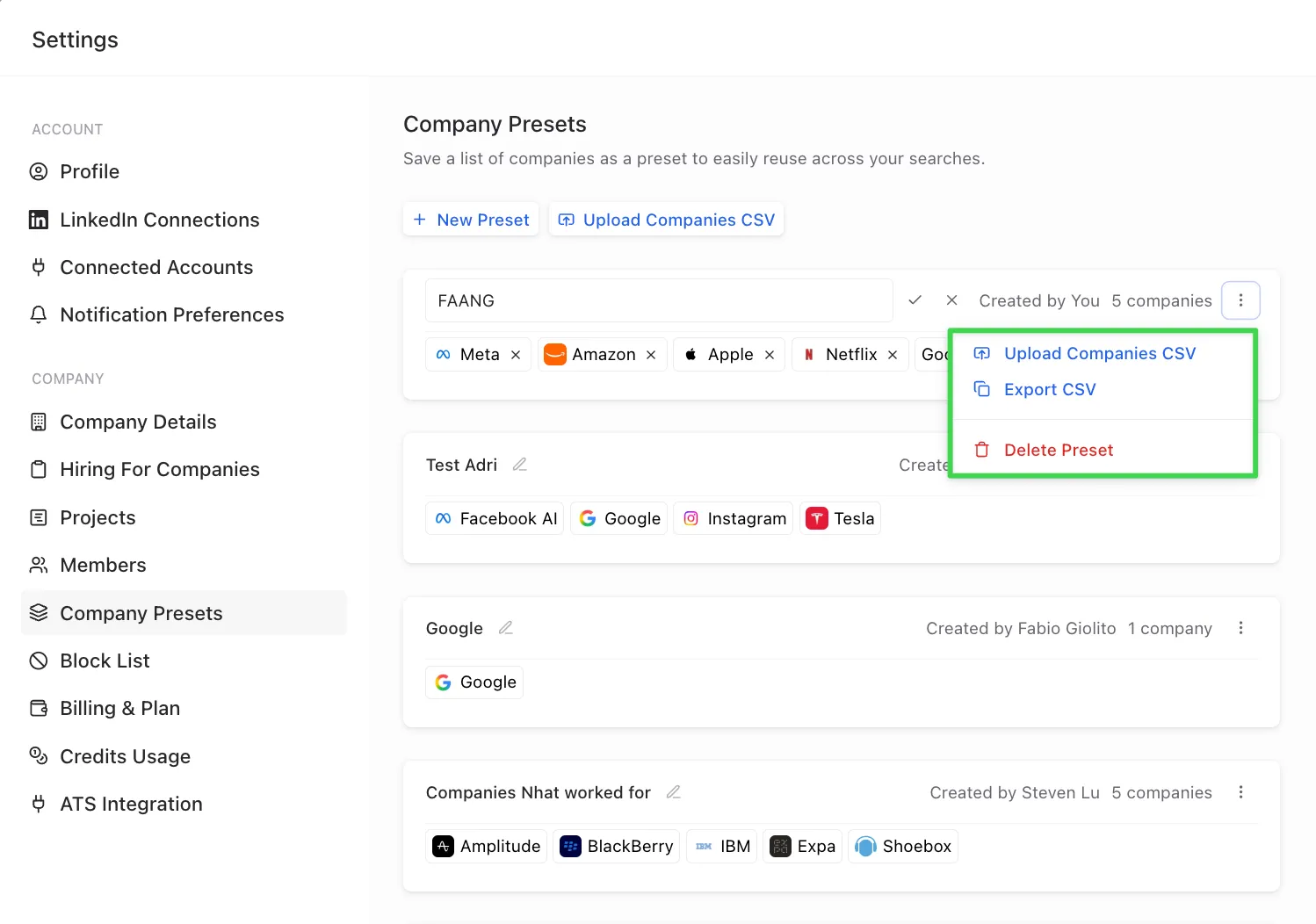
In each company preset, you can take the following actions:
- Add more companies to the existing preset
- Remove a company from the existing preset
- Add additional companies via CSV upload
- Export the companies in the preset to a CSV file
- Delete the preset entirely
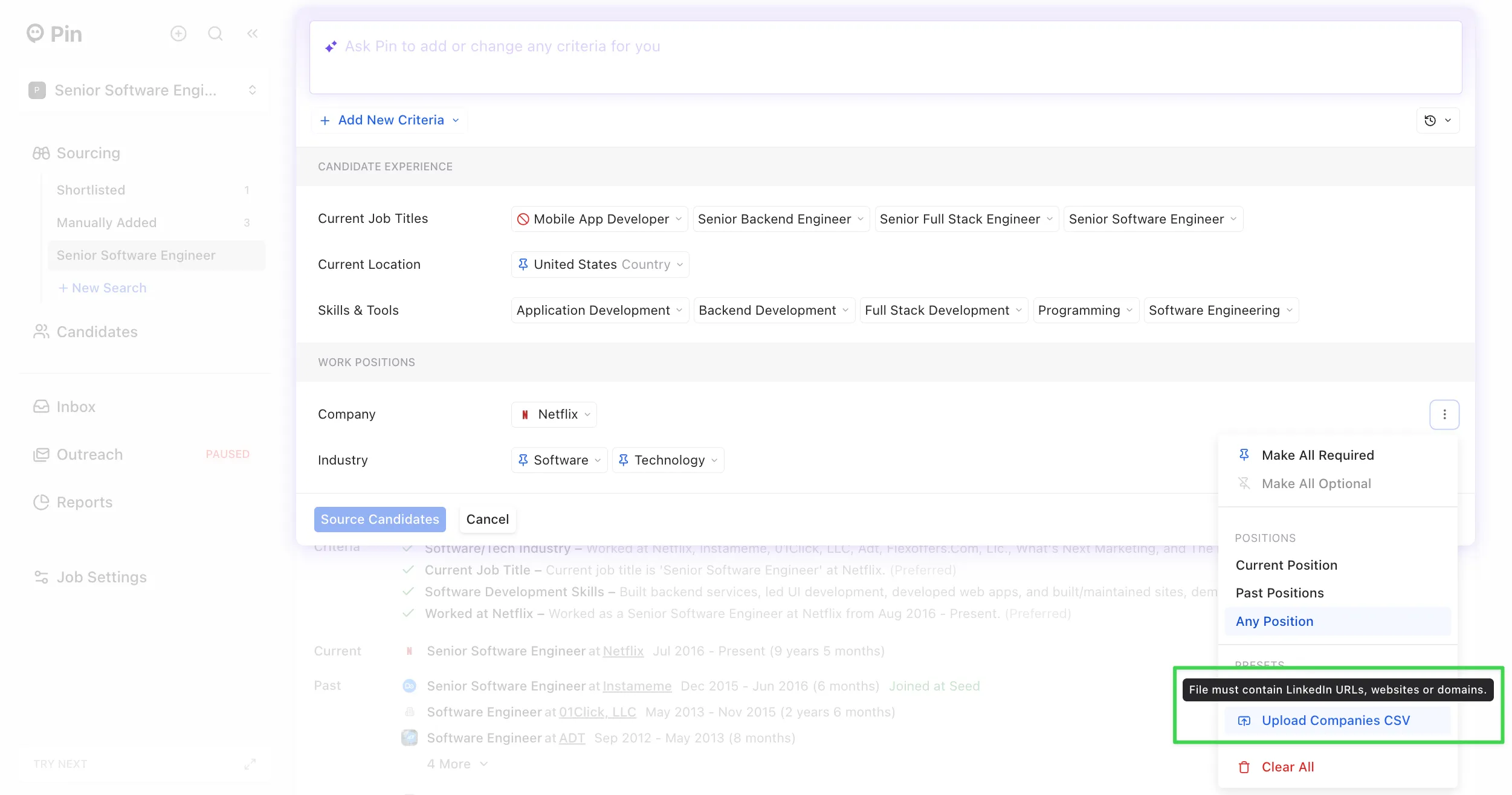
Add companies using the "Company" filter
In the search criteria, you can use the “Company” filter to create a company preset by adding companies manually or uploading a CSV file.