Sending a test email
1 min
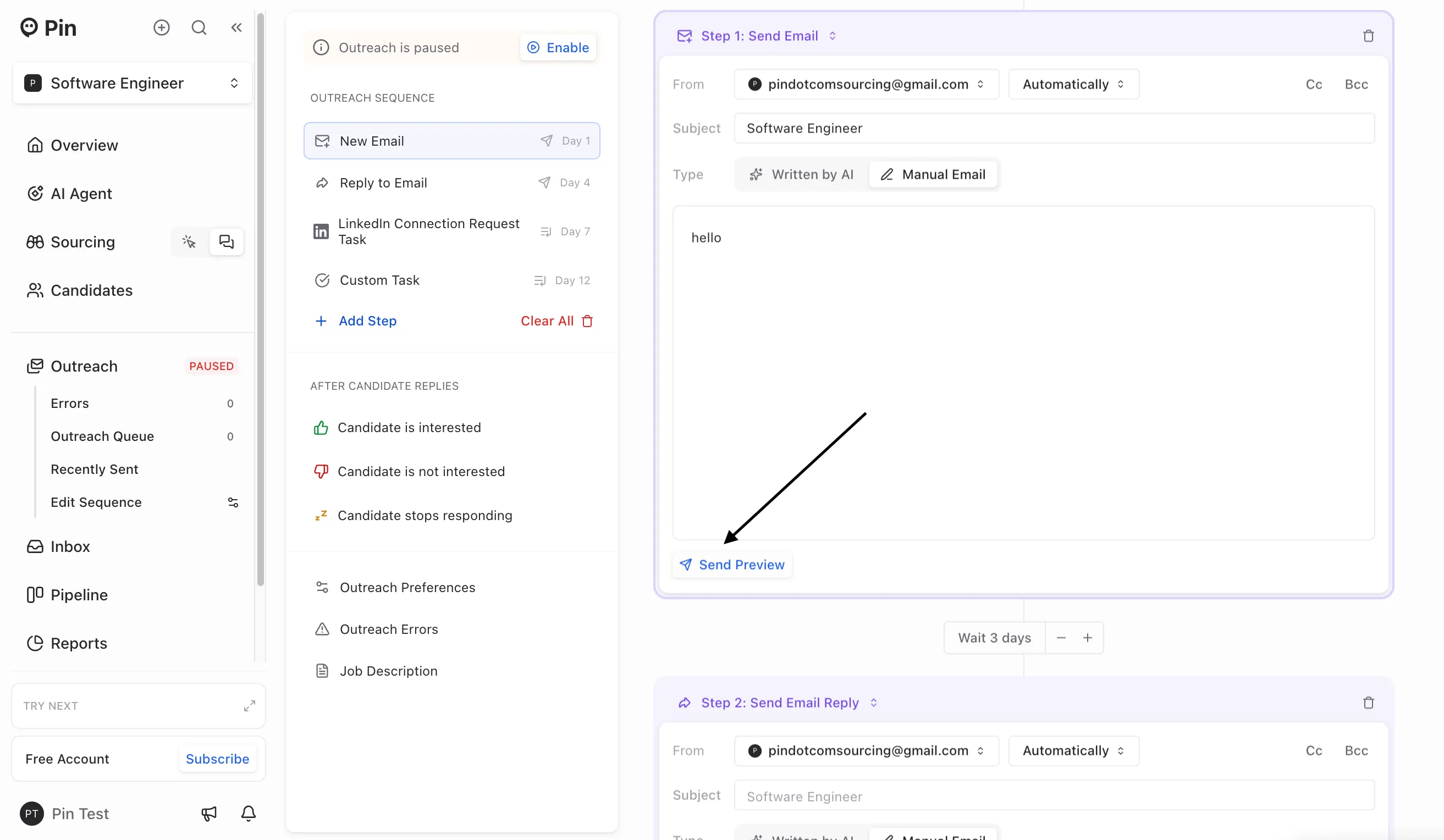
You can send a test email to yourself to preview how a specific email step will appear to candidates.
To send a test email:
- Select the email step you want to preview.
- Click "Preview".
- Enter the email address where you'd like the test email sent.
- Click "Send preview".
Note: The test email displays only the selected step and does not include the full thread from previous steps.